Share a product
On your phone or computer, find an item in Affiliate links and check its available sizes. Select Copy affiliate link, then share it in your content.
Open the product libraryEarn on eligible purchases made through your Cop affiliate links.
Always let your audience know when you share an affiliate link.
On your phone or computer, find an item in Affiliate links and check its available sizes. Select Copy affiliate link, then share it in your content.
Open the product libraryIn Affiliate links, open “Create a link to my storefront or another Cop page”. Leave the destination empty, copy the generated link and share it in your bio.
Your storefrontConnect your professional account and accept the sharing terms. Cop selects eligible reels and associates products. Manage the selection and remove videos in your workspace.
Connect InstagramMake the item easy to find with a direct link in your story, video description or article.
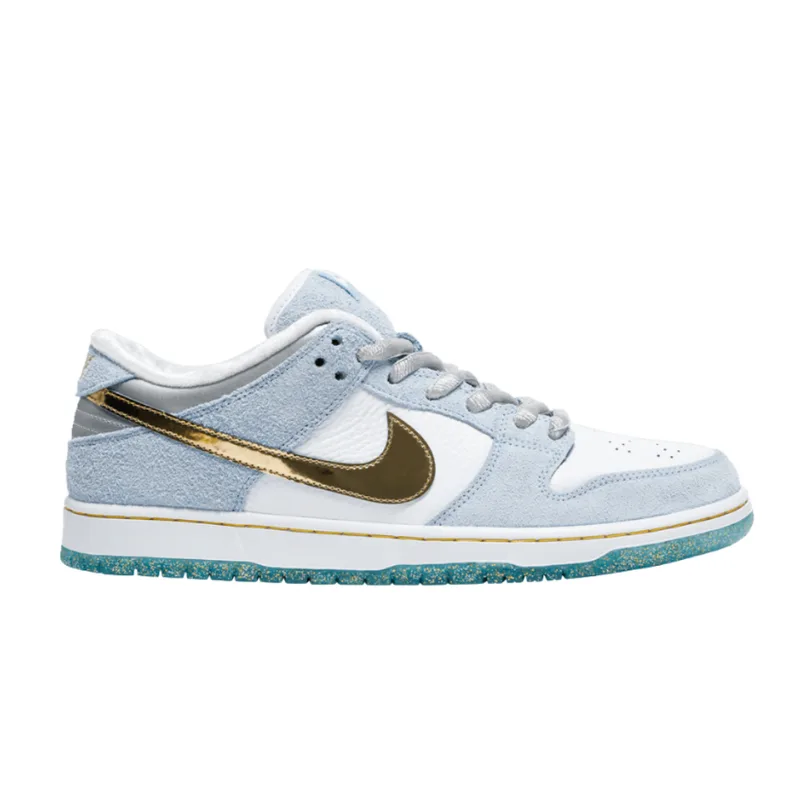
Give your audience one place to explore your selection. Use the affiliate link generated in your workspace.
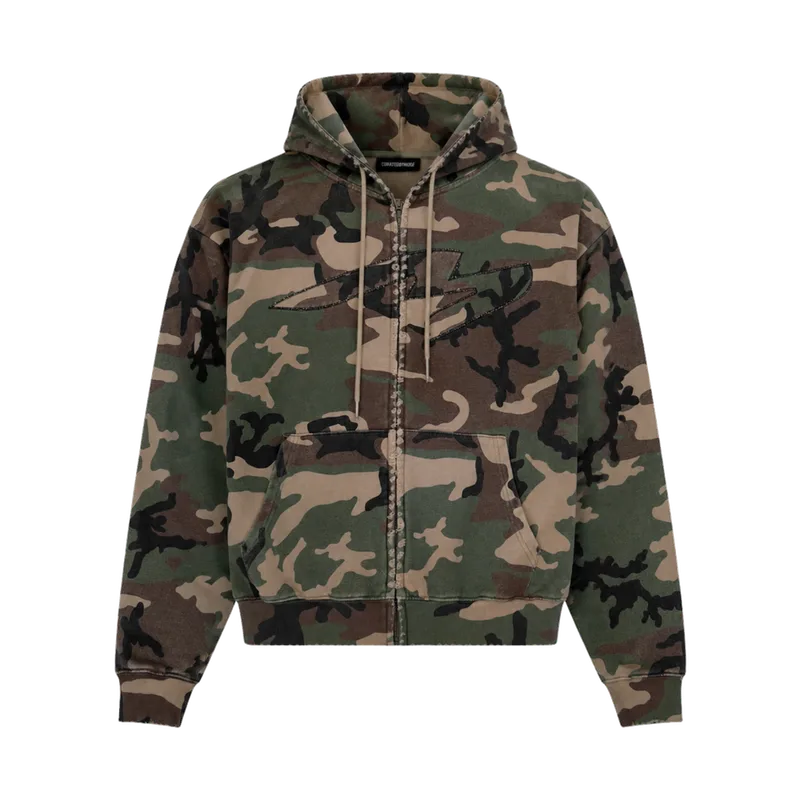
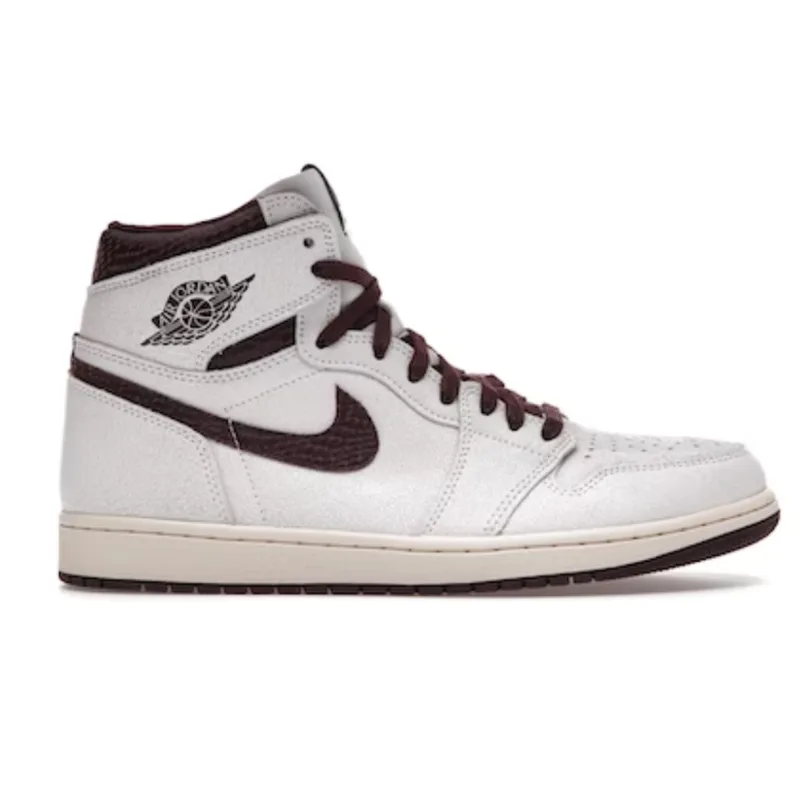
Share how you wear or use the item, its fit and the sizes available on Cop.
Approved Cop creators and affiliates can copy their personal links from the product library in their workspace.
Share the complete affiliate link generated in your workspace. Eligible purchases attributed to your link can earn a commission under the program terms. Follow orders and earnings in Performance and Commissions.
Yes. Open your creator workspace in your mobile browser, find a product and tap Copy affiliate link. The same library is available on desktop.
No. Connect your professional Instagram account and accept the content-sharing terms. Cop selects eligible reels and matches products automatically. You can remove individual videos; removed videos stay hidden during future syncs.
Keep your disclosure visible with your recommendation. For example: “I may receive a commission if you buy through this link.”